Instagram was released in 2010. It is now the most-used social media platform among teens, according to research firm Piper Jaffray. Eighty-five percent of teens report using Instagram at least once per month, compared with eighty-four percent who say the same for Snapchat.
Instagram has just released a new companion app, Threads. It is a messaging app designed to be used only by your closest friends. Instagram has a feature that lets users create a separate list of followers to grant special viewing permissions – Close Friends list. When posting a Story to Instagram, users can differentiate between posting for everyone and posting to their group of Close Friends. The new Threads app is a companion for Instagram that lets you quickly share text, photos, and videos with your close friends list. This sounds great, except it also invites constant, passive sharing of your location, status, and other intimate data, which both invites privacy concerns about how they’re using that close friends list.
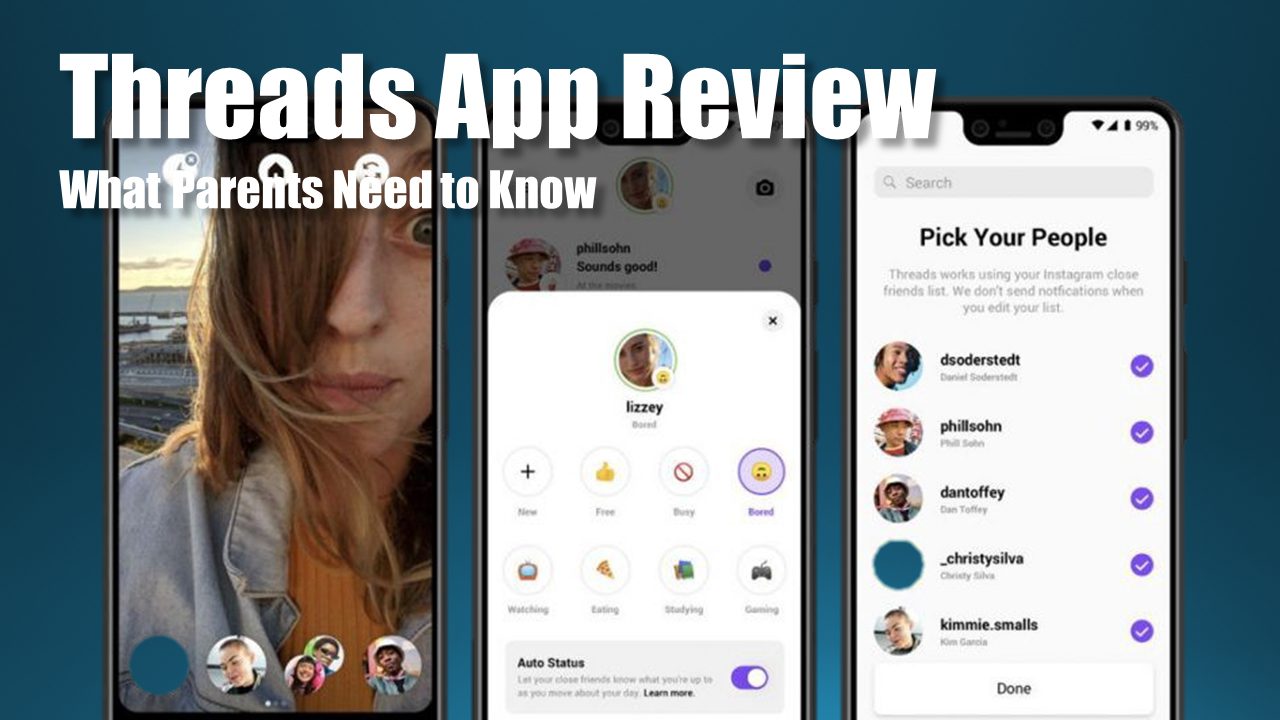
Thread’s default screen is the camera. It’s just for taking photos and videos. There are no filters here. The app also offers customizable shortcuts for your close friends, so that if you primarily use the app to message two or three people, you can put their profile picture right on the bottom of the camera screen. Take your picture, tap their photo, and swipe up to send. Thread’s inbox mirrors the direct messages on Instagram but is limited to the close friends list. It includes individual or group chats.
Finally, there’s the status screen, which seems likely to be the most problematic aspect of Threads. It’s a modern-day take on the AOL away message-style status update. To create a status, you pick an emoji and type out a few words or choose from among the many pre-populated statuses that Instagram has created. Then you tell Instagram how long to keep your status visible (from one to four hours). Threads wants you to opt in ...