
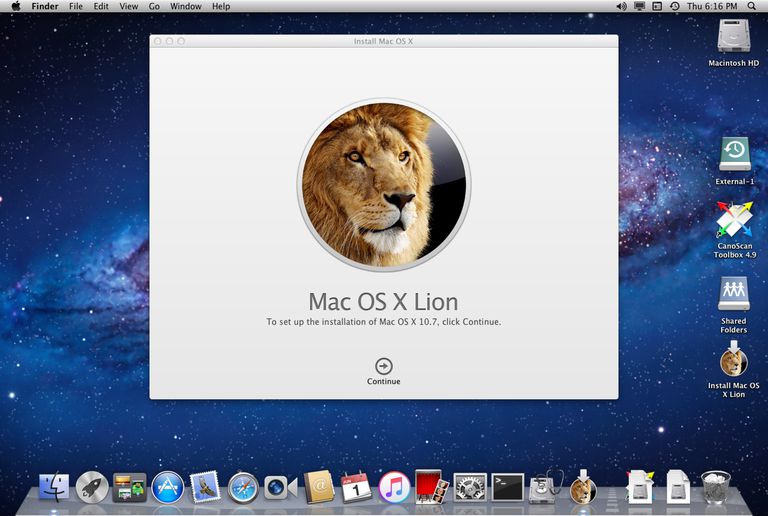
It isn’t hard to look around and see the social and technological influence that Apple has had on our society. They’ve slowly placed an iPhone, iPod or Macbook (sometimes all three) in most American homes, and Apple isn’t showing signs of slowing down any time soon, which is all the more reason to understand how to set the parental controls on all Apple products.
In this article, you’ll learn how to set the parental controls on Apple’s Mac OS X operating system. These step-by-step instructions will be useful to you if your family uses a Mac desktop computer or a Macbook. Please pass this guide on to any parent who uses a Mac in their home. It’s all about education and getting the word out there to other parents so we can keep our children safe online!
First, find the System Preferences icon on your desktop and click on it.
It looks like this:

